
Midjourney: Mastering Dualtone Image Creation
Hey there, creative souls! 🎨 Have you ever stumbled upon those eye-catching dualtone images and wondered how to craft them yourself? Whether you're a seasoned digital artist or just dipping your toes into the world of AI-generated art, creating stunning dualtone images with Midjourney is easier than you think. In this post, we'll dive straight into the specific steps to help you master dualtone image creation. So, grab your favorite beverage, and let's get started!
Crafting the Perfect Prompt
The foundation of any great Midjourney creation is a well-crafted prompt. For dualtone images, clarity and specificity are key. Here’s how to structure your prompt:
- Specify the Subject: Clearly state what you want the image to depict.
- Define the Color Palette: Mention the two colors you want to dominate the image.
- Describe the Style: Include any stylistic preferences, such as minimalist, abstract, or realistic.
Demo prompts with results:
"Dualtone forest landscape, color orange purple, minimalist, high contrast"

"Dualtone, violet black, actor, abstract "
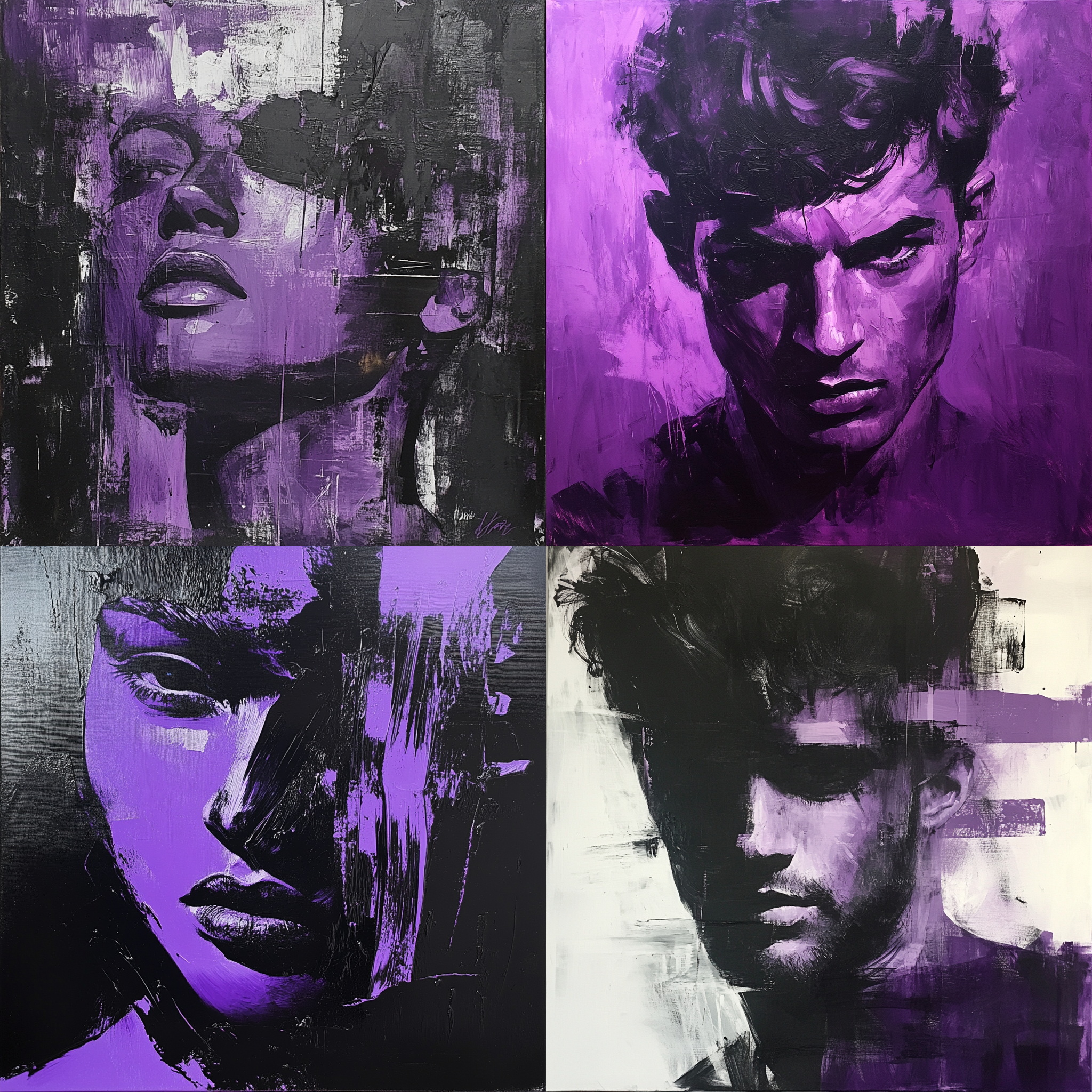
"Picture for presentation, illustration, woman using mobile, positive cash, growing company, dual tones yellow, black"


Mastering Midjourney’s CREF for Consistent Faces in Every Setting
Want to keep your AI-generated character’s face steady from beach vibes to medieval quests? Discover how Midjourney’s CREF parameter can lock in features for spot-on consistency!
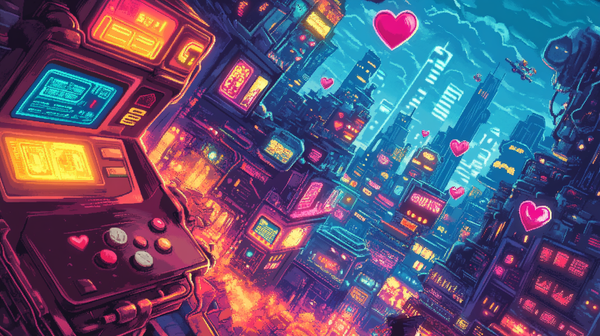
The Magic of 8-Bit Pixel Graphics: Reviving Retro in Games and Comics
Pixel art is back, and it’s better than ever! Learn how to create stunning 8-bit graphics with MidJourney and bring the charm of retro gaming and comics to life.
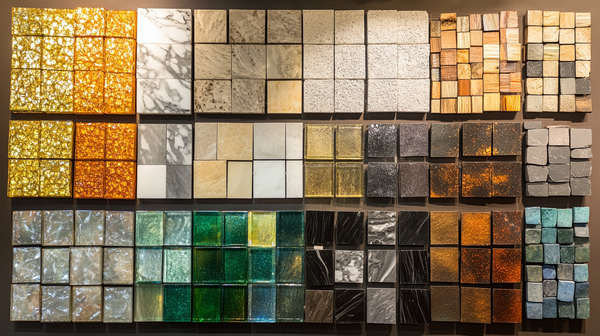
7 Stunning Steps to Master Material-Based Creations in MidJourney
MidJourney makes it easy to bring material-focused designs to life, from opulent dining rooms to exotic sculptures. Whether you’re working with classic materials like wood and marble or experimenting with more unique textures like basalt and rattan, these steps will help you!